Summertime Saga iOS – iPhone & iPad Guide 2026
Install Summertime Saga iOS on iPhone and iPad in 2026 with this complete guide covering AltStore, TrollStore, AppValley, jailbreak, and BlueStacks. Learn about iOS compatibility, 18+ content, safety, certificates, installation requirements, common errors, and offline play.
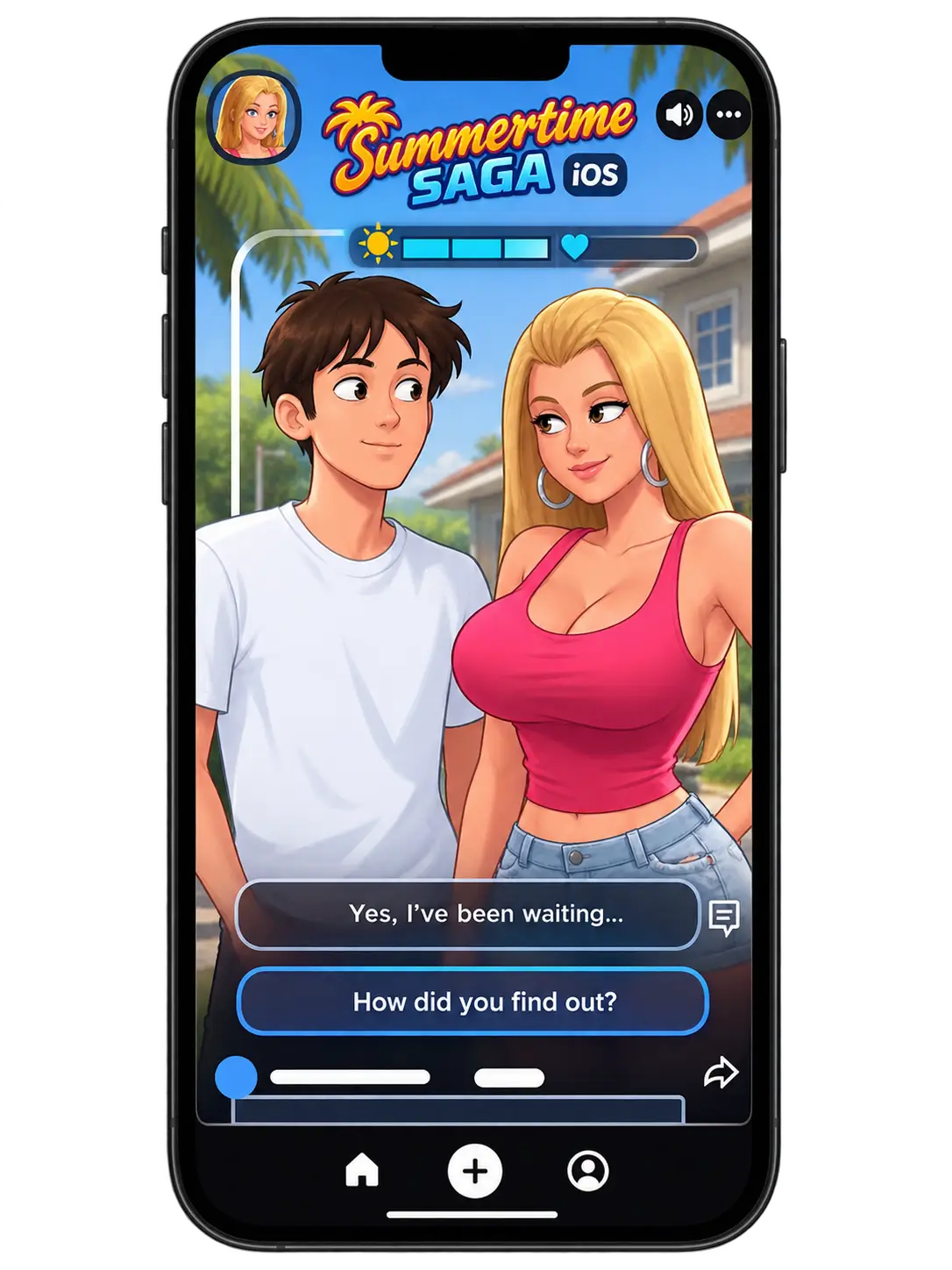
If you’re looking for Summertime Saga on iPhone or iPad in 2026, the main problem is that the game is not available on the Apple App Store, so a normal App Store installation is not possible. The practical solution is to use a suitable iOS installation method such as AltStore, while compatible older iOS versions may also support TrollStore. This guide explains Summertime Saga iOS installation, device requirements, safety checks, certificate issues, and common errors in simple step-by-step instructions.
Is Summertime Saga on the App Store?
No, Summertime Saga is not available on the Apple App Store. Kompas Productions never submitted it due to its 18+ adult content, which violates Apple’s guidelines. This is not a bug or a temporary situation, it is permanent.
The good news is that installing Summertime Saga on iPhone and iPad is still completely possible in 2026. You just need the right method.
What Is Summertime Saga?
Summertime Saga is an 18+ story-driven simulation game set in a small town called Summerville. You play as a college student dealing with his father’s mysterious death while building relationships, solving quests, and exploring the town.
The game features 75+ characters, 30+ locations, multiple endings, treasure hunts, mini-games, and support for 70+ languages. The mod version adds unlimited money, unlocked characters, and no ads all available from the start.
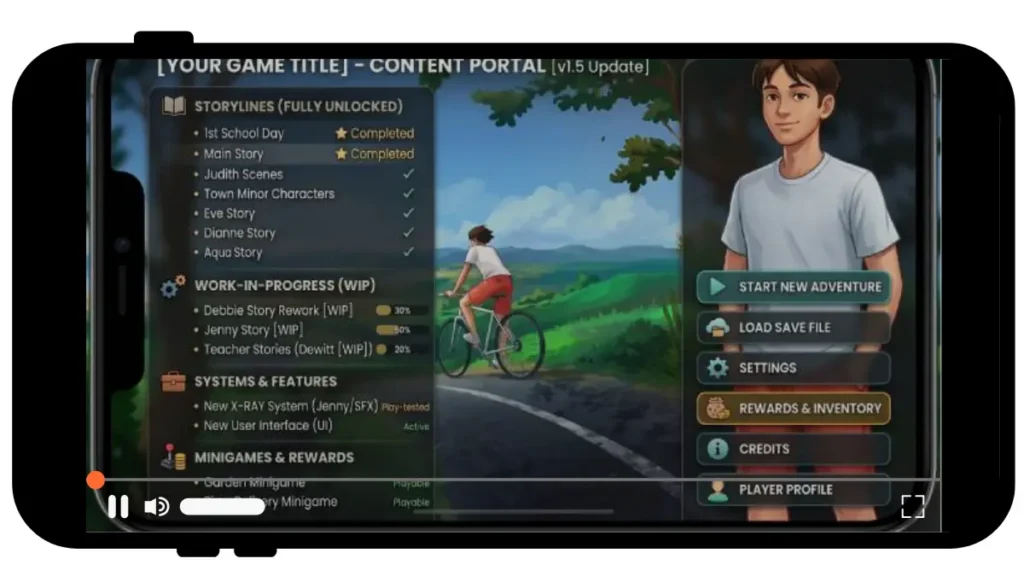
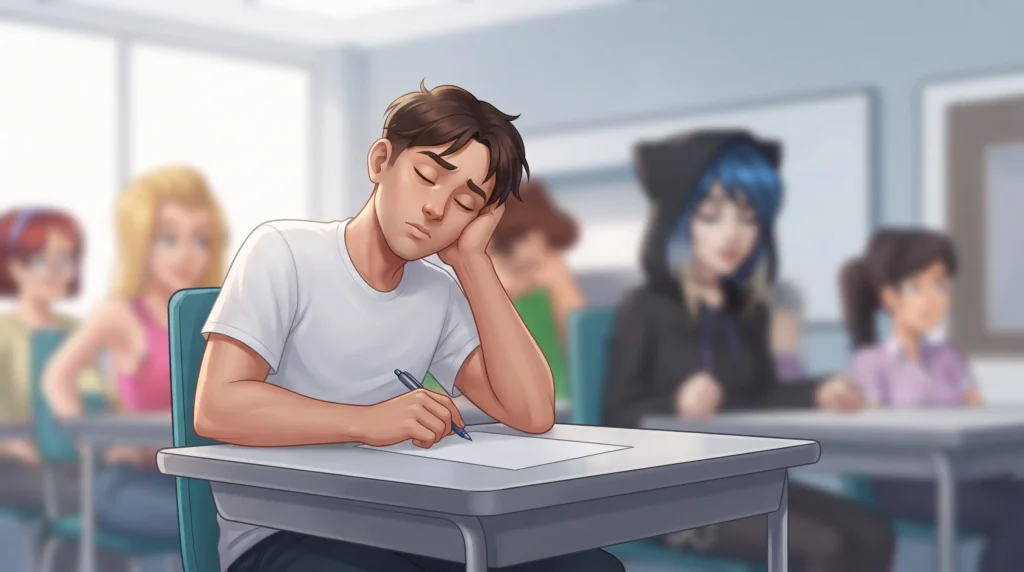
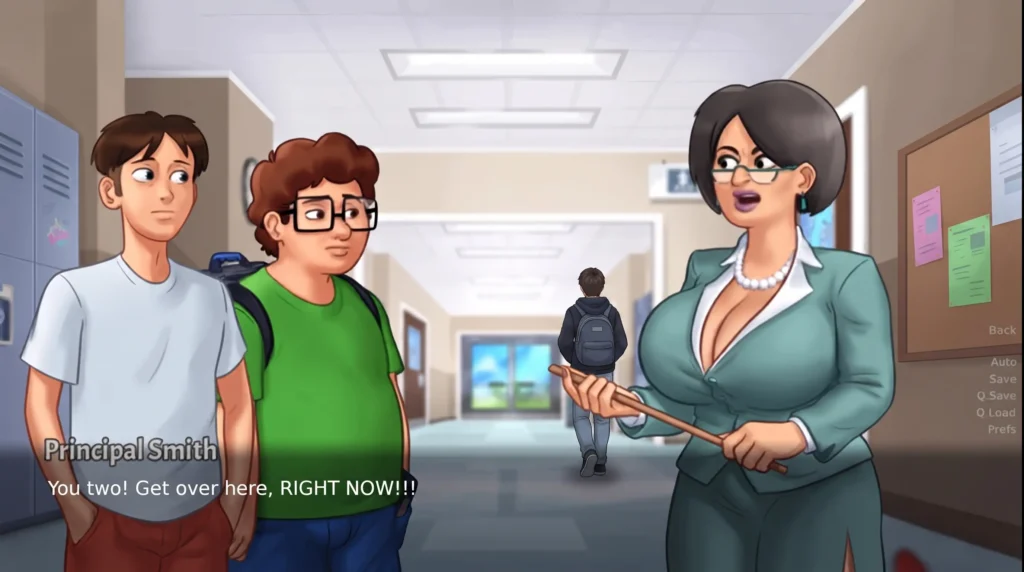
Summertime Saga iOS Screenshots



Before You Install — Quick Checklist
Before downloading, make sure your device meets these requirements:
Safety tips avoid any site that:
How to Install Summertime Saga on iOS
This is the question every user has and the one every competitor answers with nothing more than “yes, trust us.” That is not good enough. Here is an honest answer.
No third-party download site can guarantee 100% safety without independent verification. What you can do is verify the file yourself before installing it.
The Reddit community at r/SummertimeSaga is the most reliable place to verify whether a specific version or source is legitimate. Regular players flag fake sites and report problematic builds in real time.
AltStore (Best No-Jailbreak Method)
AltStore is the safest and most trusted way to install Summertime Saga on iOS without jailbreaking. It uses your personal Apple ID to sign the app with no shady certificates involved.
Steps
- Download AltServer on your Mac or Windows PC from altstore.io
- Connect your iPhone to your computer via USB
- Open AltServer and click Install AltStore on your device
- Enter your Apple ID when prompted
- On your iPhone go to Settings → General → VPN & Device Management and tap Trust
- Open AltStore, find the Summertime Saga IPA file, and install it
AltStore certificates expire every 7 days. Keep AltServer running on your computer connected to the same WiFi it refreshes automatically.
TrollStore (Permanent Install, iOS 14–16.6)
TrollStore installs apps permanently, no weekly refresh, no certificate expiry. If your iPhone runs iOS 14 to 16.6, this is the most stable method available.
iOS Version
| iOS Version | Compatible |
|---|---|
| iOS 14.0 – 14.8.1 | ✅ Yes |
| iOS 15.0 – 15.4.1 | ✅ Yes |
| iOS 16.0 – 16.6.1 | ✅ Yes |
| iOS 17 and above | ❌ No use AltStore |
Steps:
- Open Safari and go to TrollStore’s official GitHub page
- Follow the installation steps for your iOS version
- Once TrollStore is installed, download the Summertime Saga IPA file
- Open the file in the Files app, tap Share, and select Open in TrollStore
- Tap Install done. No expiry, no refresh needed.
AppValley or Panda Helper
AppValley and Panda Helper are third-party app stores that use enterprise certificates. They are easier to set up but less stable. Apple revokes these certificates frequently.
Steps:
- Open Safari and visit the official AppValley or Panda Helper website
- Download and install the app store
- Go to Settings → General → VPN & Device Management and tap Trust
- Search for Summertime Saga inside the store and tap Get
- Trust the game certificate in Settings if prompted
Jailbreak Installation (Full Mod Access)
Jailbreaking gives you the deepest mod access but comes with real trade-offs. It voids your warranty and removes Apple’s security protections. Only recommended for dedicated gaming devices.
| Tool | Compatible Chips | iOS Range |
|---|---|---|
| Checkra1n | A7 – A11 | iOS 12 – 14.5 |
| Palera1n | A9 – A11 | iOS 15 – 16.6 |
Steps:
- Back up your device completely before starting
- Download Checkra1n or Palera1n from its official source
- Connect your iPhone and follow the on-screen jailbreak instructions
- After jailbreaking, install Filza File Manager from Cydia or Sileo
- Transfer the Summertime Saga IPA and install via Filza
You can always restore your device through iTunes to remove the jailbreak.
BlueStacks on Mac
Mac users can skip all iOS certificate issues by running Summertime Saga through an Android emulator. BlueStacks works natively on M1 and M2 Macs and delivers the smoothest overall experience.
Steps:
- Download BlueStacks from bluestacks.com
- Install and open it, then sign in with your Google account
- Search for Summertime Saga inside BlueStacks
- If unavailable on Play Store, download the APK and drag it into the BlueStacks window
- Launch the game full screen, HD graphics, zero certificate issues
Common Errors and Fixes
| Error | Fix |
|---|---|
| Untrusted Developer | Settings → VPN & Device Management → Trust |
| App Won’t Open | Delete, restart device, reinstall |
| Certificate Revoked | Switch to AltStore or TrollStore |
| Not Enough Storage | Free up space in iPhone Storage settings |
| Download Failed | Switch to WiFi, toggle airplane mode, retry |
| iOS 17+ Profile Blocked | Use AltStore instead of enterprise certificate |
| BlueStacks Lagging | Increase RAM allocation in BlueStacks settings |
FAQs
Conclusion
Getting Summertime Saga on iOS in 2026 is completely doable with the right approach. For most users, AltStore is the best starting point. It works on all iOS versions including iOS 17 and 18 with no jailbreak required. If you are on iOS 14 to 16.6.1, TrollStore gives you a permanent installation with zero maintenance. Mac users should go straight to BlueStacks and skip the certificate process entirely.
Use trusted sources, protect your Apple ID, and follow the steps carefully. The game is worth it.