Summertime Saga PC Download – Free Full Version (Windows)
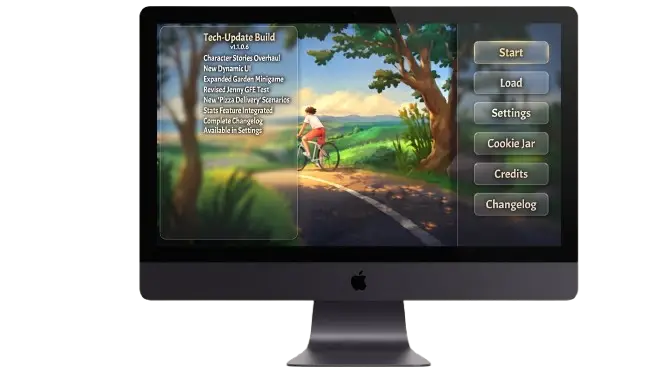
If you’ve been trying to play Summertime Saga on PC but aren’t sure where to start you’re in the right place. This guide covers everything: safe download sources, native installation for Windows and Mac, emulator setup, error fixes, and save file management. No fluff, no guesswork.
Quick App Info
What Is Summertime Saga?
Summertime Saga is one of the most popular adult visual novels ever created. Developed by Kompas Productions and officially available on itch.io, the game places you in the role of a college student living in the fictional town of Summerville. After your father dies under mysterious circumstances and leaves behind a dangerous debt, you must manage college life, build relationships with over 64 unique characters, explore 30+ locations, and uncover the truth hidden beneath the surface.
The game features 20+ mini-games, branching storylines, multiple endings, and hundreds of scenes. Every decision you make shapes how the story unfolds.
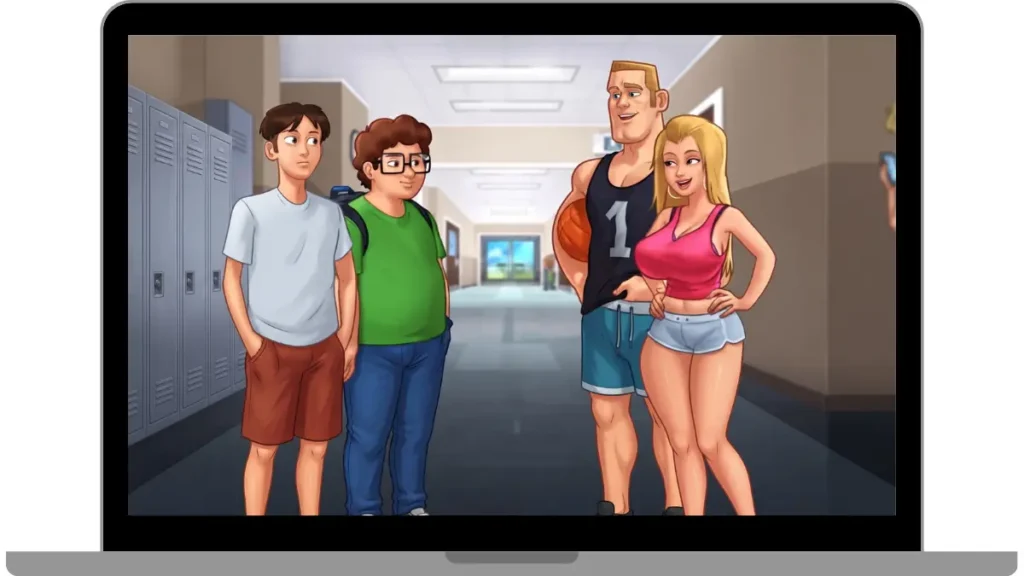
What makes Summertime Saga stand out from other visual novels is the level of freedom it gives players. Every decision you make affects how the story unfolds. You can focus on one character’s storyline, explore multiple romance routes simultaneously, or simply wander around Summerville completing quests and unlocking hidden areas.
Is Summertime Saga Safe to Download on PC?
This is the first question every new player asks and almost no other guide answers it honestly. So here is the clear truth.
Yes, Summertime Saga is completely safe to download, but only when you get it from the correct source. The one and only verified, legitimate source is the official itch.io page managed by Kompas Productions. Every other website offering the download is unofficial. Some of those sites distribute modified files that can contain malware, so sticking to itch.io is non-negotiable.
Why Does Antivirus Flag the Game?
When you download the Windows version, your antivirus Windows Defender, Avast, or anything else may flag the file as suspicious. This happens because the game executable is not digitally signed. Code signing requires a paid certificate from a trusted authority. Since Summertime Saga is independently developed, it does not carry that certificate.
This warning does not mean the file is dangerous. It simply means Windows cannot automatically verify the publisher. Download from itch.io, confirm the file size matches the listing, and if Defender blocks it, add the game folder to your exclusions list after confirming the source is legitimate.
Free Version vs Supporter Version
The free version on itch.io gives you complete access to the entire game every route, every character, every scene update. Nothing important is locked.
The Supporter version, available through Kompas Productions’ Patreon, provides early access to development builds before public release, plus exclusive bonus content. If you just want to play the full game, the free version is all you need.
How to Install Summertime Saga on Windows (Native Method)
Most guides online tell you to use an emulator on Windows but that is completely unnecessary. Summertime Saga has a native Windows build that runs directly as a standard application. No emulator, no extra setup, no complications.
Step-by-Step Windows Installation
Fix: Windows SmartScreen Warning
When you first run the .exe, Windows may display: “Windows protected your PC.” This is completely normal for unsigned applications.
- Click “More Info”
- Then click “Run Anyway”
- The game opens normally
You only need to do this once. Windows remembers your choice afterward.
Fix: Missing DLL Error
A missing DLL error almost always means the ZIP was not extracted correctly.
- Delete the extracted folder completely
- Re-extract the ZIP into a brand new folder
- Never move individual files out of the folder all files must stay together
- Launch the .exe again from the new folder
What’s New in v24.0.0?
The latest version brings major content additions worth knowing about:
How to Install Summertime Saga on Mac
Mac users also have a native option, a dedicated .app build that runs directly on macOS without any emulator. The only extra step involves bypassing Apple’s Gatekeeper security, which blocks apps not downloaded from the App Store.
Step-by-Step Mac Installation
- Visit itch.io and download the macOS ZIP file
- Confirm the download completed fully
- Double-click the ZIP macOS extracts it automatically
- Drag the .app file into your Applications folder
- Try to open it if blocked, use the fix below
Fix: Gatekeeper “Unidentified Developer” Error
- Open System Settings
- Go to Privacy & Security
- Scroll down to find the blocked app message
- Click “Open Anyway”
- Confirm when prompted
Fix: “App Is Damaged” Error (Terminal Method)
If macOS says the app is damaged, it is a quarantine flag not actual file damage. One Terminal command removes it permanently:
- Open Terminal from Spotlight
- Type xattr -cr followed by a space
- Drag the .app file directly into the Terminal window
- Press Enter
- Launch the app again error gone
How to Play Summertime Saga on PC via Android Emulator
If you prefer the Android version of the game, or if the native build has issues on your specific system, an Android emulator is your best alternative. You install the emulator first, then run the game’s APK file inside it.
Emulator Comparison: Which One Is Best?
| Emulator | Best For | Performance | Difficulty |
|---|---|---|---|
| BlueStacks | Beginners | Excellent | Easy |
| LDPlayer | Low-end PCs | Very Good | Easy |
| NOX Player | Customization | Good | Moderate |
| MEmu Play | Multi-tasking | Good | Moderate |
| MuMu Player | Smooth Gameplay | Very Good | Easy |
BlueStacks: Best for Most Users
- Download BlueStacks from bluestacks.com
- Run the installer and complete the setup
- Once open, click “Install APK” in the sidebar
- Browse to your downloaded Summertime Saga APK file
- Select it BlueStacks installs automatically
- Find the game in your app library and launch it
Note: Windows Subsystem for Android was discontinued by Microsoft in March 2025 and is no longer available.
Mod Features Explained
Cookie Jar:
A built-in scene replay gallery. Every scene you unlock through normal gameplay gets saved here so you can revisit it anytime without replaying the story.
Debug Menu:
A built-in developer tool that lets you modify game variables, unlock content, and skip sequences. Kompas Productions included this deliberately, it is not a hack.
Unlocked Characters:
All character routes become accessible from the start, removing the need for prerequisite progression steps.
How to Update Without Losing Your Saves
This is where most players make mistakes and lose hours of progress unnecessarily.
Download the New Version
Download the latest game version, but keep your existing folder untouched until everything works correctly.
Extract Separately
Install or extract the update into a completely new folder instead of replacing the old files.
Find Save Files
Open the old installation folder and locate the game/saves/ directory containing your progress.
Create a Backup
Copy the complete saves folder somewhere safe before updating the game.
Move Saves
Paste your backed-up save files into the same folder inside the newly downloaded version.
Verify Everything
Launch the game and confirm all saved progress loads successfully before deleting the previous version.
Clean Up
Once your saves are confirmed, safely remove the old game folder to free storage space.
Before updating, open your emulator’s built-in file manager and make a backup of the save folder. This simple step protects your progress if anything goes wrong during the update.
Common Errors and Fixes
Quick solutions for the most common Summertime Saga installation, launch, and performance issues.
FAQs
Final Verdict
Summertime Saga on PC is the best way to experience the game period. Native builds for Windows, Mac, and Linux mean no emulator is necessary for desktop users. The v24.0.0 update delivers expanded storylines, a rebuilt save system, and a new easy mode that makes the game more accessible than ever.